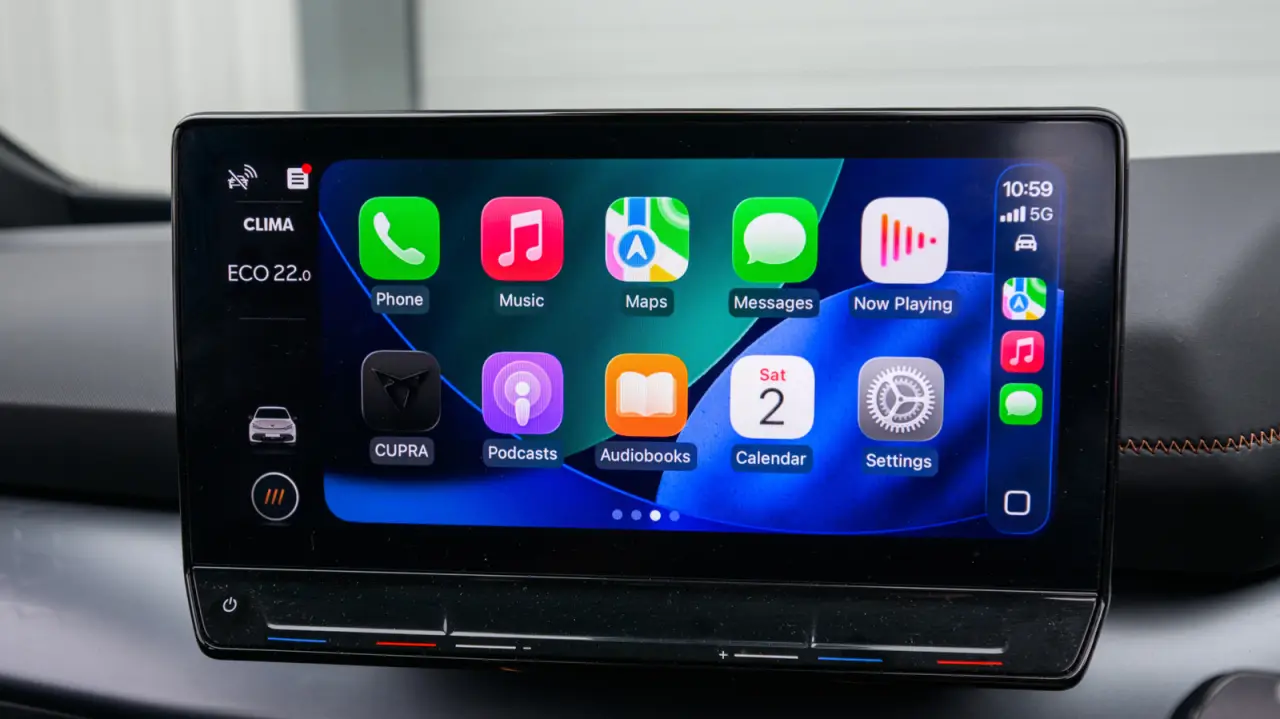
It replaces one icon in CarPlay's media apps and works on every iPhone that runs iOS 27.
By Luke James Nov. 29, 2026 4:45 pm EST Harry Howitt/Shutterstock Add Engadget on Google: Google DiscoverHave you ever been scrolling through a playlist in CarPlay when a song you've skipped a bunch of times begins playing again? Before, you'd have to tap into CarPlay's Now Playing screen, hit Skip and then return to the list you were looking at. But since iOS 27 dropped in mid-September, that skip button has been moved to a new MiniPlayer you'll find in the top-right corner of CarPlay's audio apps.