Get familiar with Spotlight and set up Time Machine.
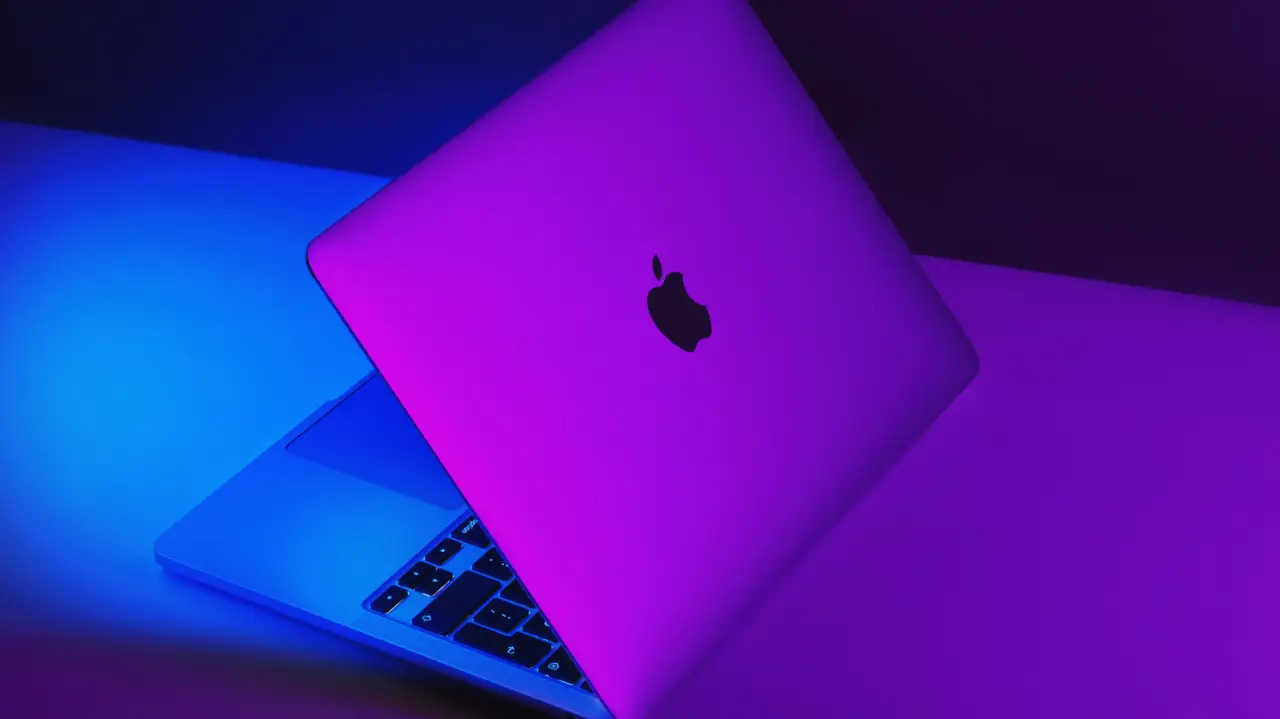
By Filipe Espósito Nov. 29, 2026 10:00 am EST Ardasavasciogullari/Getty Images Add Engadget on Google: Google DiscoverSetting up a new Mac is always exciting, doubly so if you've splurged on the new touchscreen-equipped MacBook Pro with PROLED XDR Display. The setup process is generally quick and straightforward, but you may still have questions about what to do, especially if this is your first Mac or you're upgrading from a really old model. Essentials include setting up your Apple Account and configuring backups, but there's plenty more you should do, including familiarizing yourself with some macOS features and possibly even customizing its look and feel.