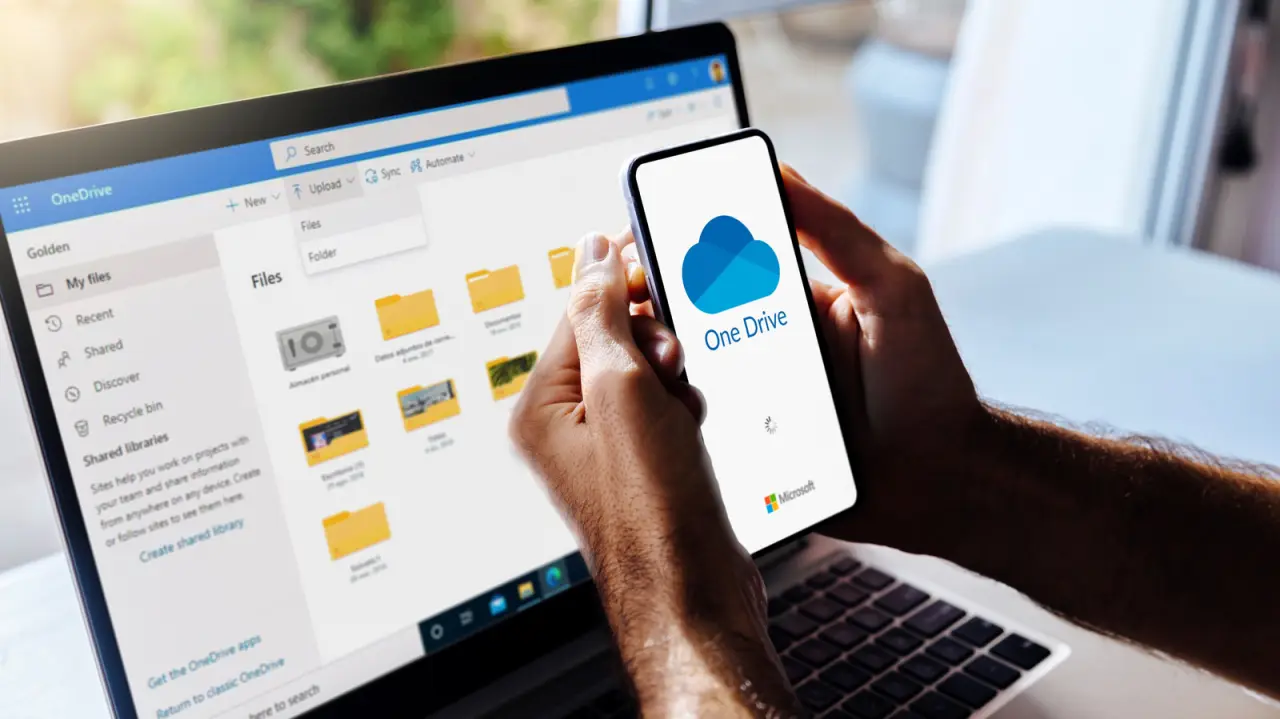
It's worth taking a look and making sure big files aren't cluttering up your OneDrive.
By Vincent Arogya Nov. 29, 2026 8:15 am EST Alex Photo Stock/Shutterstock Add Engadget on Google: Google DiscoverMicrosoft OneDrive's data backup and sync service makes it possible to bring your important files wherever you go. Its ability to securely sync your data across multiple devices and platforms makes it an excellent cross-platform backup and sync utility. However, like most cloud backup services, Microsoft OneDrive also comes with a storage cap, and once it meets or exceeds this threshold, backup and sync issues can become bottlenecks in your workflow. When your OneDrive storage runs out of free space, it stops syncing data between the cloud and your devices. If the storage quota exceeds the assigned threshold, Microsoft switches your OneDrive account to read-only mode, requiring you to free up space to resume normal functionality.