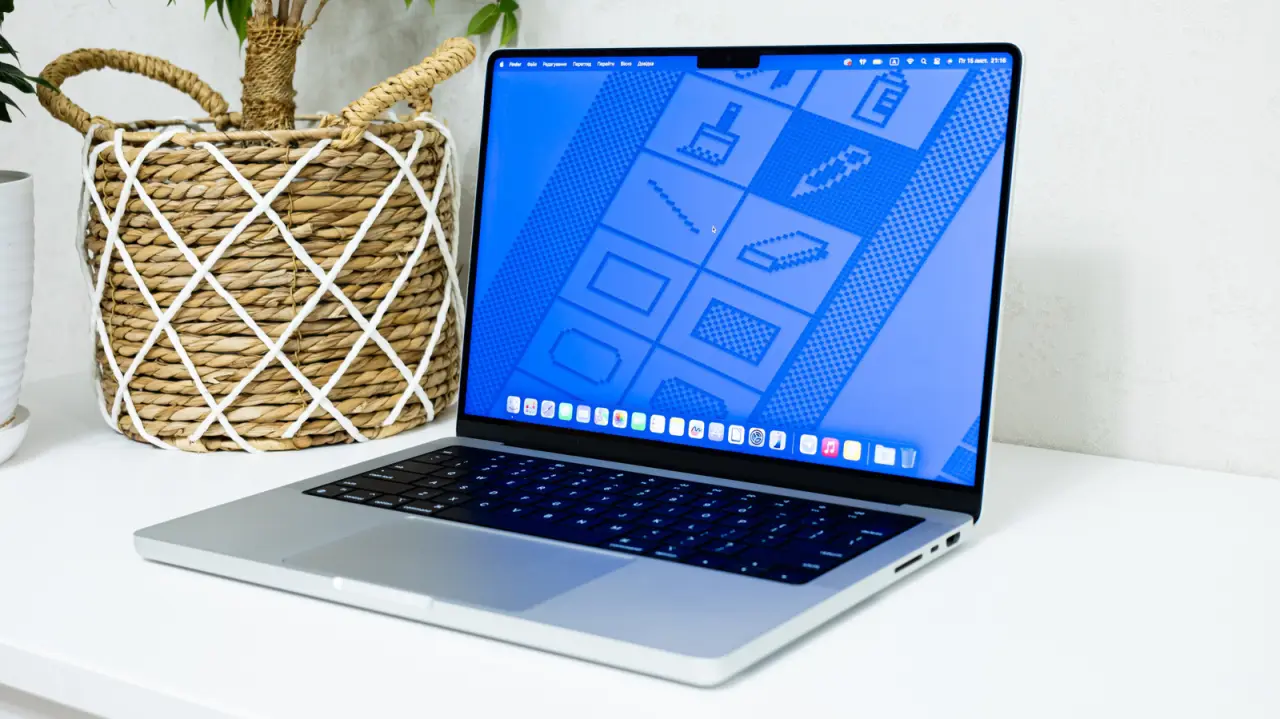
Disable a Mission Control-specific setting to keep Spaces from switching.
By Vincent Arogya Nov. 24, 2026 12:15 pm EST Vladyslav Lehir/Shutterstock Add Engadget on Google: Google DiscoverIn macOS, Spaces are virtual desktops that help organize and manage open apps and windows. macOS allows up to 16 dedicated spaces for organizing your desktop. While fullscreen and split-mode apps also function like Spaces, they are different from numbered Spaces, particularly in how you access them using keyboard shortcuts.You can dedicate specific tasks to individual Spaces, such as communication, media consumption and web browsing. Another benefit to using Spaces is that they help consolidate open windows and prevent them from moving between virtual desktops when you switch Spaces.